By the OnBoard IT Tech team, a licensed LA installer (CA #1039864). Serving Los Angeles since 2015.
Culver City homes come in a lot of different shapes: bungalows near Downtown Culver City, hillside properties near Blair Hills, and newer townhomes near the Platform or Ivy Station area. Each of these layouts affects where cameras should go, how cable should run, and what kind of system actually makes sense for your household. If you are researching security camera installation in Culver City, this guide walks through the practical decisions you will need to make, without the sales pitch.
We have been serving Los Angeles homeowners since 2015, with team experience in the low-voltage trade going back to 2004. Culver City is a regular part of our service area, and the same questions come up again and again from homeowners who are trying to figure out where to start.
Start With Your Property’s Layout, Not the Camera Brand
A lot of homeowners begin by researching camera brands or specs. We recommend starting somewhere else: your property’s layout. Before anyone talks about equipment, a good installer should walk your property (or review photos and a site plan) and map out:
- Entry points: front door, side gates, garage doors, backyard access
- Sightlines: driveways, walkways, and any blind corners created by fences, landscaping, or additions
- Lighting conditions: how much natural light each area gets during the day and at night
- Distance from likely mounting points to where your router or recording equipment will live
Culver City lots vary quite a bit in size and shape, so a system that works well for a compact bungalow near Culver City High School might be completely wrong for a property with a long driveway or a detached garage near Fox Hills. This is why a proper walkthrough matters more than picking a camera off a list. If you want a sense of how we approach this step by step, our security camera installation page outlines the process we use for homes across the area.
Decide Between Wired and Wireless Cameras
This is one of the first forks in the road for security camera installation in Culver City, and it deserves a real conversation rather than a quick answer.
Wired (PoE) cameras run on structured cabling back to a recorder or network switch. They tend to offer a more stable connection, cleaner video, and no reliance on batteries. The tradeoff is that cabling needs to be planned and installed, which works best when done as a coordinated project rather than piecemeal.
Wireless cameras are easier to place in spots where running cable is impractical, such as a detached shed or a rear fence line far from the house. The tradeoff is a dependency on Wi-Fi signal strength and, for battery models, periodic charging or battery swaps.
Many Culver City homes end up with a mix: wired cameras covering the main entry points and driveway, with a wireless camera or two covering harder-to-reach corners. A licensed low-voltage installer can help you weigh this based on your home’s construction, attic or crawlspace access, and how your property is laid out.
Think About Coverage Before You Think About Camera Count
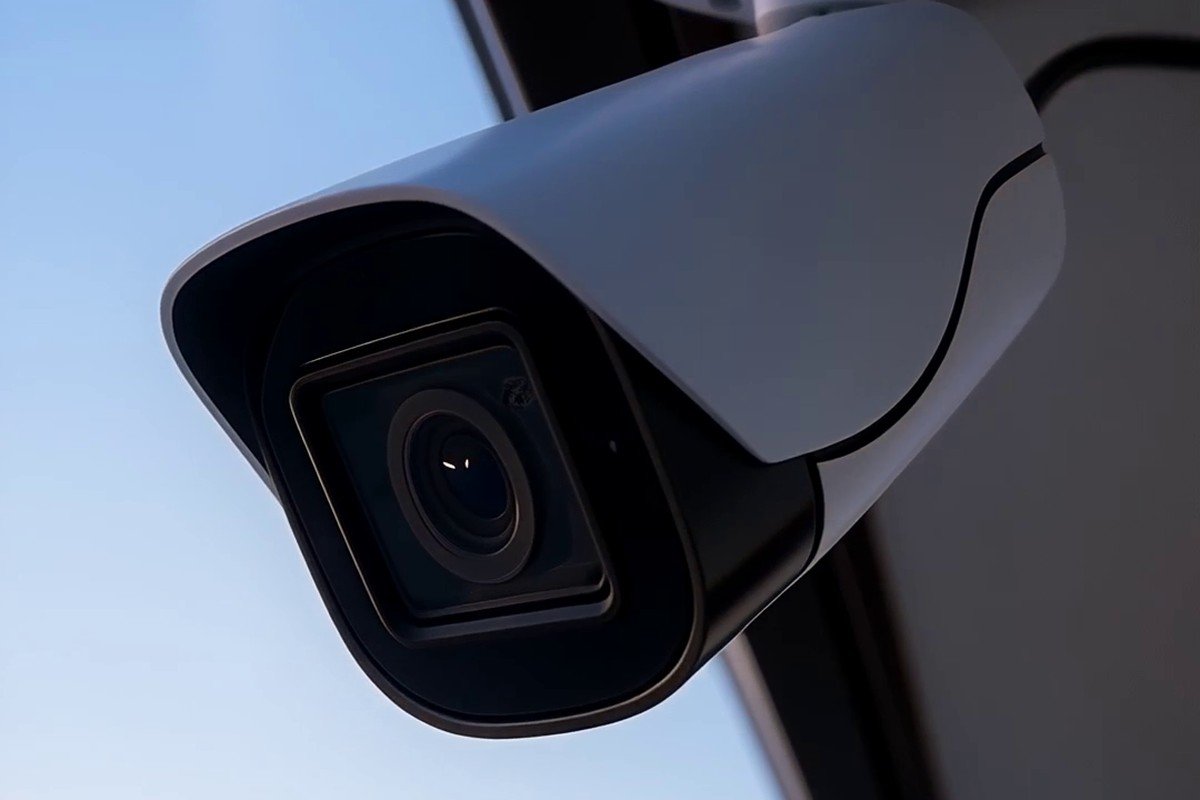
It is tempting to ask “how many cameras do I need?” as the first question, but coverage matters more than count. Two well-placed cameras that cover your front door, driveway, and side gate will usually do more for you than four cameras crowded around the front porch.
When we plan security camera installation for Culver City homes, we typically look at:
- Primary entry points (front door, back door, garage)
- Vehicle areas (driveway, carport, street-facing windows)
- Secondary access (side gates, fence lines, detached structures)
- Any area with a history of package theft, prowling, or prior incidents
Once coverage is mapped out, camera count and placement become a lot clearer. This also helps avoid the common mistake of over-buying equipment that does not actually improve your home’s coverage.
Plan for Cabling and Power the Right Way
Structured cabling is the backbone of a reliable wired camera system, and it is worth doing correctly the first time. Poorly planned cable runs can mean visible wires along walls, cameras that lose connection, or a system that is difficult to expand later if you add more cameras.
A licensed low-voltage installer will plan cable paths through attics, crawlspaces, or along less visible routes, and will terminate everything at a clean, organized point (often near your network equipment or a dedicated recorder). This is also where it is important to be clear about scope: our team handles all of the low-voltage cabling, camera mounting, and system setup. Any line-voltage or electrical work, such as adding a new power outlet or wiring into your home’s electrical panel, is outside our scope and would be handled by a licensed electrician. Being upfront about this distinction up front helps avoid confusion later in the project.
Choose Local Storage, Cloud Storage, or Both
Once cameras are capturing footage, you need somewhere for that footage to go. Broadly speaking, homeowners choose between:
- Local storage, where footage is saved to a recorder or storage device at your property
- Cloud storage, where footage is uploaded and stored offsite through a subscription service
- A hybrid setup, using both for redundancy
There is no single right answer here. Some homeowners prefer local storage because they like keeping footage on-site and under their own control. Others prefer cloud storage for the convenience of remote access and offsite backup in case equipment is damaged or stolen. Storage capacity and retention length will depend on the equipment you choose, so this is a good conversation to have during your on-site assessment rather than guessing in advance.
Work With a Licensed, Local Installer
Culver City sits in a part of Los Angeles with a real mix of architectural styles and lot configurations, and a system that is planned around your specific property will hold up much better over time than a generic setup. When you are comparing options for security camera installation in Culver City, it is worth asking any installer:
- Are you licensed for low-voltage work in California?
- Will you walk the property before recommending equipment?
- How do you handle cable routing and future expansion?
- What is included in ongoing support if a camera or connection needs attention?
OnBoard IT Tech holds California license #1039864 and has served Los Angeles homeowners since 2015. If you would like to talk through options for your property, our contact page is the fastest way to reach us and set up a free on-site assessment.
Frequently Asked Questions
Do I need wired or wireless cameras for a Culver City home? It depends on your property. Wired cameras generally offer a more stable connection and are a good fit for main entry points and driveways, while wireless cameras work well for spots where running cable is difficult, like a detached structure or a far fence line. Many homes use a combination of both, and a site walkthrough is the best way to decide.
How many cameras will I need? There is no fixed number that works for every home. Coverage of your entry points, driveway, and vulnerable areas matters more than camera count. A proper assessment will map your property first and then recommend a camera count based on actual coverage needs.
Can you also install a new outlet or run new electrical for my cameras? Our team handles all low-voltage work, including cameras, cabling, and system setup. Any line-voltage or electrical work, such as adding a new outlet, is outside our scope and is handled by a licensed electrician as a separate step.
How long does a typical installation take? Installation time varies based on the number of cameras, the amount of cabling required, and your property’s layout. During your free on-site assessment, we can give you a clearer estimate based on your specific home.
If you are ready to move forward with security camera installation in Culver City, our team is glad to help you plan a system that fits your property and your budget. Call us at (818) 564-3496 or request a free on-site assessment through our contact page and we will walk you through the next steps.