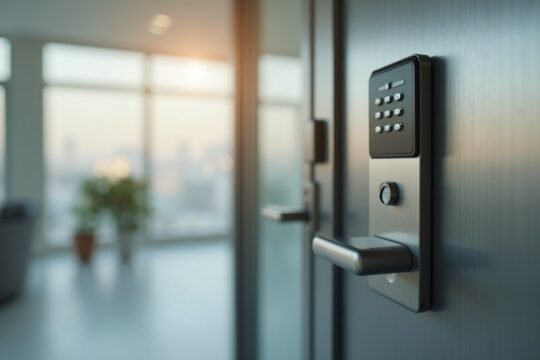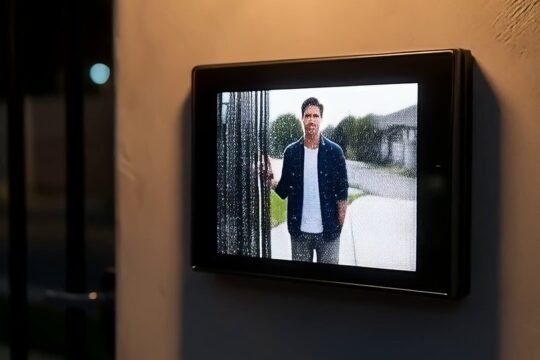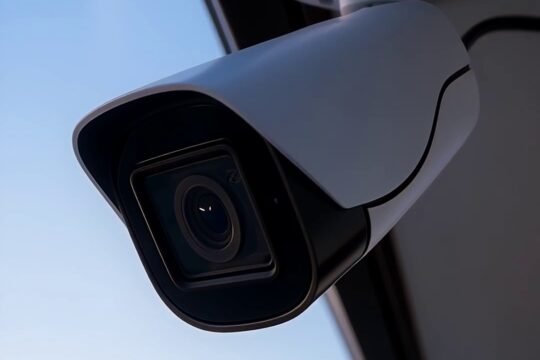
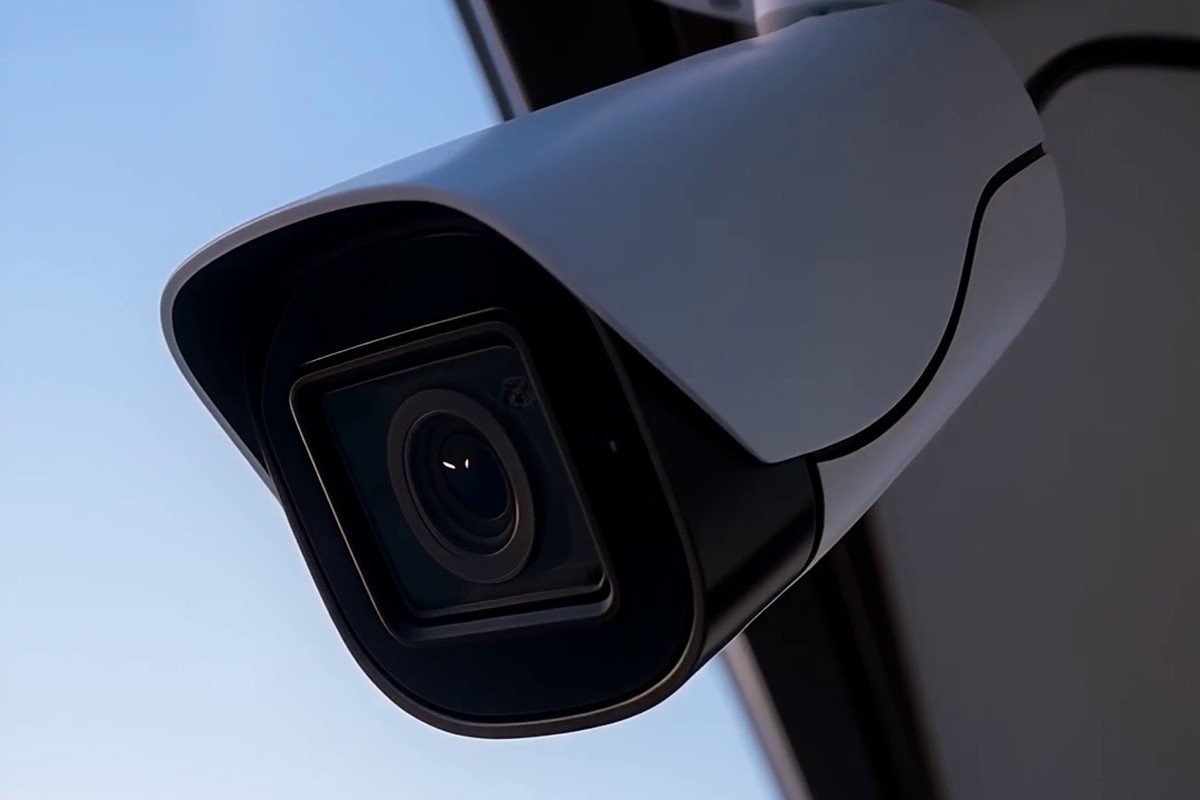
Choosing a home security camera system in Los Angeles is less about buying the flashiest camera and more about answering a few practical questions before anything gets mounted. After installing camera systems across LA homes since 2015, we’ve learned that the households who are happiest a year later are the ones who planned coverage first and picked hardware second. This guide walks you through that same thinking so you can make a confident decision, whether you hire us or handle it yourself.
By the OnBoard IT Tech team, a licensed LA installer (CA #1039864). Serving Los Angeles since 2015.
Start with coverage, not cameras
The most common mistake we see is someone buying a box of four identical cameras and then trying to figure out where they go. Reverse that order. Walk your property and mark the spots that actually matter: the front door and any package-drop area, the driveway or garage approach, the side gates people can slip through, and the back doors that aren’t visible from the street. Those entry points are where a camera earns its keep.
In many LA neighborhoods the front of the home faces a busy street while the real vulnerability is a dark side yard or an alley-facing gate. A good plan puts a camera where an intruder has to pass, not just where it’s convenient to run a wire. Once you know the “must-see” zones, the number and type of cameras almost chooses itself.
Wired, wireless, or a mix
Both approaches work, and the right answer depends on your home. Wired cameras (the low-voltage cabling we specialize in) give you a steady connection and continuous power, so you’re not swapping or charging batteries. They take more planning to route cleanly, but they tend to be the “set it and forget it” option for a primary system.
Battery or Wi-Fi cameras are faster to place and useful for a spot where running cable is genuinely impractical. The trade-off is ongoing maintenance and dependence on your Wi-Fi signal reaching that corner of the property. For a lot of LA homes, a hybrid makes sense: a wired backbone for the main entry points and a wireless unit or two for the odd location. If you want to weigh this for your specific layout, our security camera installation page explains how we plan a clean, wired system.
Where your footage lives
Before you fall in love with a camera brand, decide where the video is stored, because that decision affects your privacy and your monthly costs more than the camera itself. Local storage, a recorder kept on-site, means your footage stays in your home and there’s usually no subscription to keep recordings. Cloud storage is convenient and off-site, but it typically involves a recurring fee and depends on your internet connection.
Neither is automatically “better.” Some homeowners want everything local for privacy; others like being able to pull up a clip from their phone without thinking about hardware. What matters is that you choose on purpose rather than discovering the answer after installation. Ask any installer, including us, exactly how long footage is retained and what happens if the internet goes down.
Picture quality that’s actually useful
It’s tempting to chase the highest-resolution camera on the shelf, but resolution only helps if the camera is aimed and lit correctly. A camera pointed too high captures the tops of heads instead of faces. A camera staring into afternoon glare or a porch light can wash out exactly the moment you needed. And most incidents happen after dark, so low-light performance often matters more than a big daytime number.
We’d rather see a well-placed camera at a sensible resolution than a top-tier model mounted in the wrong spot. When you evaluate options, ask to see real night footage from the specific model, not a polished marketing reel.
Plan the network before you plan the app
A camera system is only as reliable as the network behind it. If cameras are streaming and recording, they put steady demand on your home network, and a system that overwhelms an old router will feel glitchy no matter how good the cameras are. This is where working with a low-voltage installer helps: we can plan the cabling and network side so the whole system holds up, rather than bolting cameras onto a network that wasn’t ready for them.
What to ask before choosing a home security camera system
A few questions separate a good installation from a frustrating one. Ask who owns the footage and the account. Ask whether the system is yours outright or tied to a contract. Ask how add-ons or repairs work later. And ask for references from real local jobs. A reputable installer will answer all of these without hesitation.
If you’d like a second set of eyes on your property, we offer a free on-site assessment where we walk your home, map the coverage, and give you one honest quote, no pressure to buy more camera than you need. You can see how we approach the work on our installer for security cameras page.
Frequently asked questions
How many cameras does a typical LA home need? There’s no fixed number. It comes from your entry points and blind spots, not your square footage. A small home with one vulnerable side yard may need fewer cameras than a larger home with several gates. Map the must-see zones first, and the count follows.
Should I get wired or wireless cameras? For a primary system, wired tends to be the most reliable because power and connection are constant. Wireless is handy for spots where cabling isn’t practical. Many homes do best with a wired backbone plus a wireless unit or two.
Do I have to pay a monthly fee? Only if you choose cloud storage or a monitored plan. Local storage keeps footage on-site and usually avoids a subscription. Decide which you prefer before you buy.
Can OnBoard help me plan the system? Yes. We’re licensed and insured, and we’ve served Los Angeles since 2015. Call us at 818-564-3496 or request a free on-site assessment and we’ll map coverage for your specific home and give you one honest quote.