If you’re still handing out metal keys to employees, you already know the headaches: keys get copied, they walk out the door when someone leaves, and re-keying the whole office after a turnover is a real cost. Access control for a small business in Los Angeles solves that by replacing keys with credentials you can grant and revoke in seconds. After planning and installing these systems for LA businesses since 2015, we’ve found the technology is rarely the hard part, matching the right setup to how your business actually runs is what makes it worth the investment.
By the OnBoard IT Tech team, a licensed LA installer (CA #1039864). Serving Los Angeles since 2015.
What access control actually does
At its core, an access control system decides who can open which door, and when. Instead of a physical key, each person carries a credential, a card, a fob, or their phone, and the system checks that credential against a list of permissions. If an employee leaves, you disable their credential and the problem is over. No locksmith, no collecting keys, no wondering how many copies exist.
Just as useful is the record it keeps. A good system logs who entered and when, which is invaluable if there’s ever a dispute, a theft, or an insurance question. For a small business, that audit trail often pays for the peace of mind on its own.
The main credential types
There’s no single “best” option, the right one depends on your team and your doors.
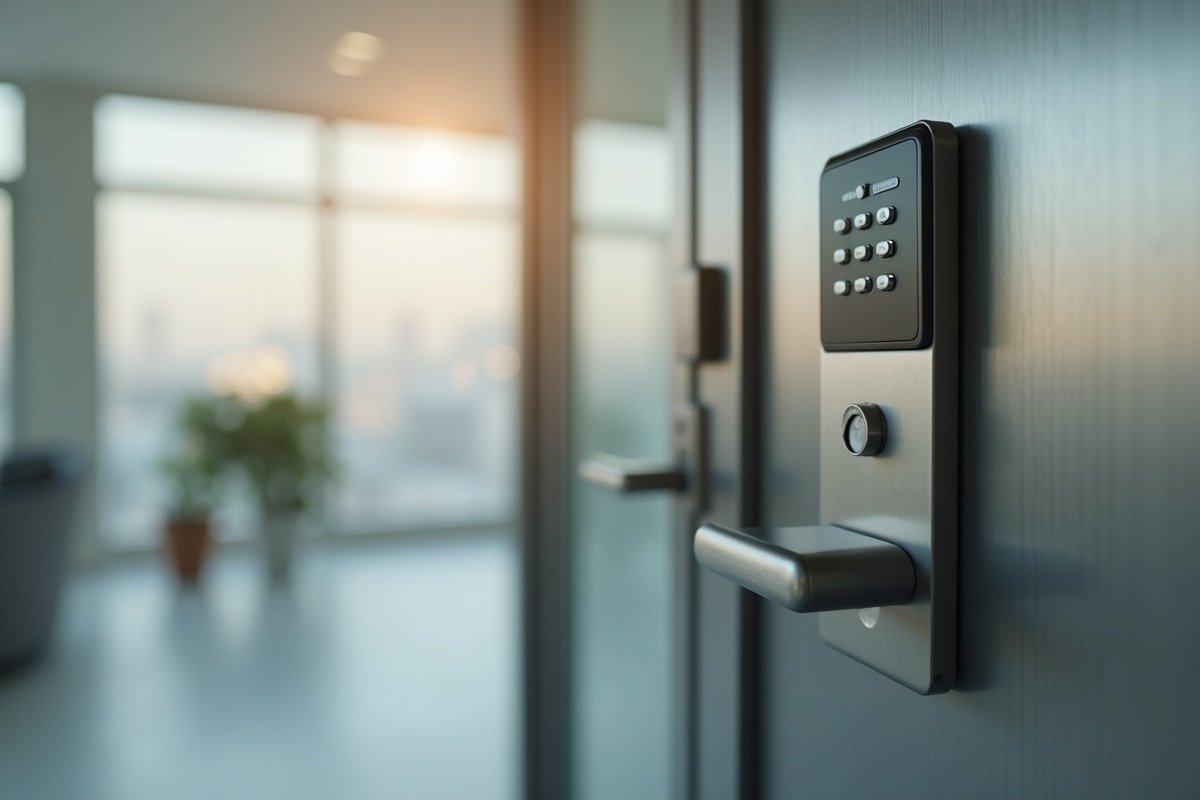
- Key cards and fobs are the familiar workhorse. They’re simple for staff, easy to hand out, and easy to deactivate. The trade-off is that cards can be shared or lost, so they pair well with a system that lets you disable a lost card immediately.
- Mobile credentials turn a smartphone into the key. Employees rarely forget their phone, and you can send or revoke access remotely, which is handy if you manage more than one location or have staff who come and go.
- Keypad or PIN entry avoids physical credentials entirely, though PINs get shared over time, so they’re often best for lower-traffic doors or as a backup method.
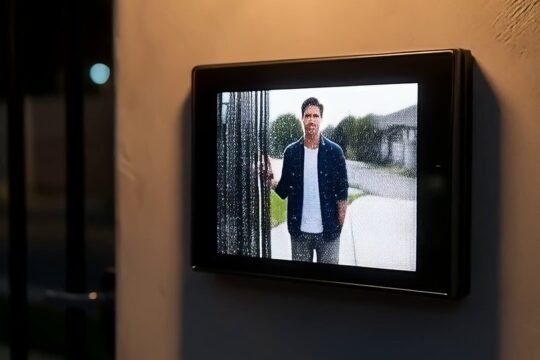
- Intercom and video entry make sense at a main door where you want to see and speak with a visitor before letting them in. Many LA offices and shops combine an intercom at the front with card or mobile access for staff.
You can mix these. A common setup is mobile or card access for employees at the staff entrance and a video intercom at the customer-facing door. Our access control page covers the options we install most often.
Match the system to how your business runs
The planning questions matter more than the brand on the reader. How many doors need to be controlled? Do you have different access levels, say, a stockroom or server closet only certain people should reach? Do you need access to change by time of day, so the front door unlocks during business hours and locks automatically after? Do you manage one site or several?
A single-door setup for a small shop is straightforward. A business with a front entrance, a back delivery door, and a private office has more to think through, because you’ll likely want different permissions for each. Getting these questions answered up front is what keeps the system from feeling clunky later.
Access control works best alongside cameras
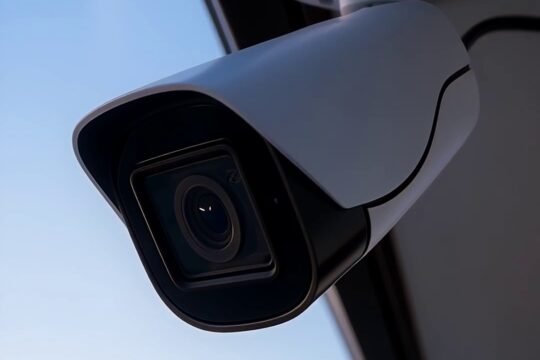
Access control tells you a credential opened a door. Cameras show you who actually walked through it. Pairing the two closes an obvious gap: if a card is shared or a door is propped open, the camera fills in what the access log can’t. For most LA businesses we recommend planning the two together so the coverage lines up, a camera that sees each controlled door is far more useful than one pointed at a random hallway. You can read how we approach the camera side on our security camera installation page.
A note on doors and power
Access control is low-voltage work, which is what we’re licensed for. Some installations touch on the door hardware itself, strikes, maglocks, closers, and where a job requires line-voltage electrical work, we bring in a licensed electrician rather than doing it ourselves. That keeps the whole installation safe and up to code. It’s worth knowing this distinction when you compare quotes, because a clear installer will tell you exactly what’s included and who does what.
What it costs and how to start
Prices vary too much to quote from a blog post, a one-door system and a multi-door, multi-permission system are different projects. Rather than guess, we offer a free on-site assessment: we look at your doors, ask how your team moves through the space, and give you one honest quote for a system that fits. We’re licensed and insured, and we’ve served Los Angeles since 2015, so you’re dealing with the same team from plan to install to support.
Frequently asked questions
Is access control worth it for a very small business? Often yes, especially if you have any staff turnover. The moment you’d otherwise re-key the office is usually the moment the system pays off, and the entry log adds accountability a lock and key can’t.
Can I give different employees different access? Yes. Most systems let you set permissions by person and by door, and many let you set schedules so access changes by time of day. This is one of the main reasons businesses move off metal keys.
What happens if we lose a card or an employee leaves? You disable that credential in the system and it stops working immediately. There’s no locksmith visit and no need to collect anything.
How do we get started? Call 818-564-3496 or request a free on-site assessment. We’ll walk your space, map out the doors and permissions you need, and give you one honest quote.