Choosing an alarm system for a Woodland Hills home is less about the brand on the keypad and more about matching the system to your property and how your family actually lives. After planning and installing alarm system installation for Woodland Hills homes and across Los Angeles, we’ve learned that the setups people are happiest with a year later are the ones that were planned around real entry points and daily routines, not sold as a one-size box. This guide walks through the same questions we ask on a free on-site assessment so you can make a confident decision.
By the OnBoard IT Tech team, a licensed LA installer (CA #1039864). Serving Los Angeles since 2015.
Start with your entry points, not the panel
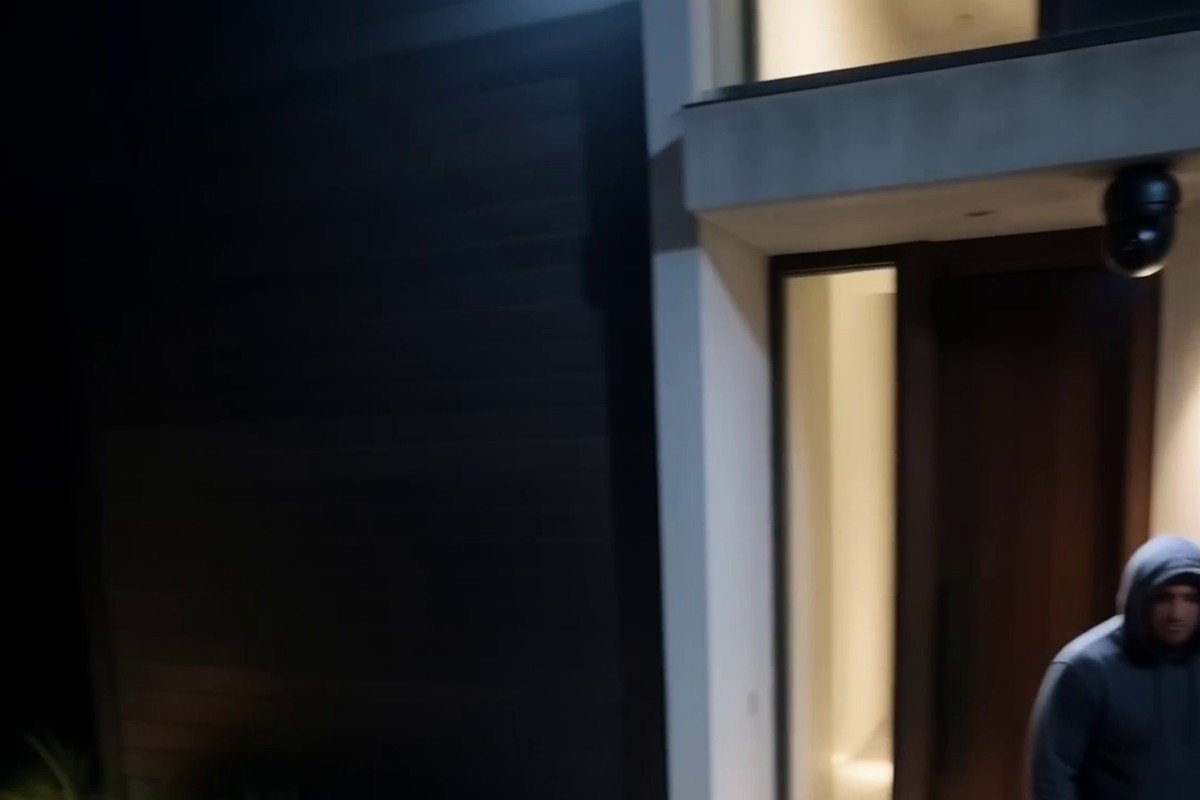
Every good alarm plan starts by walking the property. Mark the doors people actually use, the ones they rarely open (a garage side door, a laundry-room door), the ground-floor windows, and any spot that is hidden from the street. In a lot of Woodland Hills homes the front faces a busy street while the real vulnerability is a dark side yard or a rear slider off the patio. The sensors follow the map, so once you know where an intruder would try to get in, the equipment list almost writes itself.
The main types of sensors
A modern alarm system is a small kit of parts working together, and knowing what each one does helps you avoid paying for things you don’t need.
- Door and window contacts are the workhorse. They trigger the moment a protected opening is breached, and they’re inexpensive enough to cover every real entry point.
- Motion detectors watch a room rather than a single opening. They’re useful for a large living area or a hallway everyone has to cross, and good ones are built to ignore normal pet movement.
- Glass-break sensors listen for the sound of breaking glass, which is handy for rooms with big windows or sliders where a contact alone can be defeated.
- Environmental sensors for smoke, or water near a heater, turn the system into more than a burglar alarm and can catch a problem while you’re away.
You don’t need all of these everywhere. A thoughtful plan puts contacts on the openings that matter, adds a motion detector or two for interior coverage, and uses glass-break sensors only where they earn their place.
Monitored or self-monitored
The next real decision is what happens when the alarm goes off. With professional monitoring, a central station is alerted and can call you and dispatch help. With self-monitoring, the system sends the alert straight to your phone and it’s on you to respond. Monitored service usually carries a monthly fee; self-monitoring avoids it but leans on you being reachable. Neither is automatically right. A family that travels often tends to value monitoring, while someone home most of the time may be comfortable handling alerts themselves. What matters is choosing on purpose and knowing exactly who gets notified and how.
Alarms are stronger paired with cameras
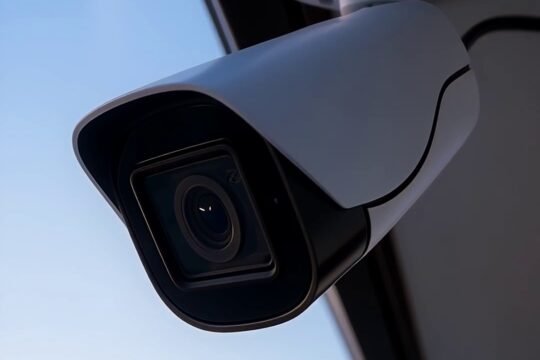
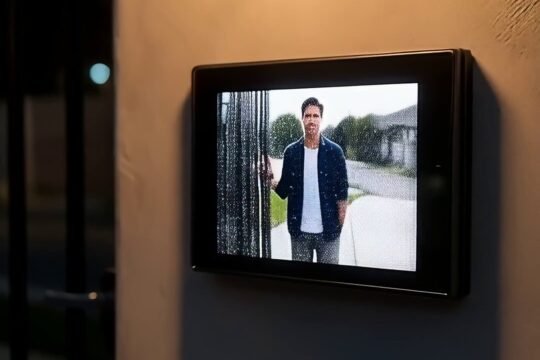
An alarm tells you that something happened. A camera shows you what. Pairing the two closes an obvious gap: when a sensor trips, you can look at the footage and know whether it’s a real break-in, a delivery driver, or a branch in the wind, before anyone panics or calls it in. For most Woodland Hills homes we recommend planning the alarm and camera coverage together so the two line up at the same entry points rather than protecting different spots. If you’re weighing cameras as well, our security camera installation approach explains how we plan coverage around the places that actually matter.
Wiring, power, and staying in scope
Alarm work is low-voltage, which is what we’re licensed for. A reliable system needs its sensors wired or linked cleanly and a sensible plan for battery backup so it keeps working through a power blip. Where a job touches line-voltage electrical work, we bring in a licensed electrician rather than doing that part ourselves, which keeps everything safe and to code. When you compare quotes, ask each installer to spell out what’s included and who handles the electrical side. A clear answer there tells you a lot about how the whole job will go.
What it costs and how to start
Prices vary too much to quote from a blog post, because a small condo and a large multi-entry home are different projects. Rather than guess with a number that won’t fit your home, we offer a free on-site assessment: we walk your property, map the entry points, and give you one honest quote for a system that fits. We’re licensed and insured, and we’ve served Los Angeles since 2015, so the same team plans, installs, and supports what you buy. You can start on our alarm system installation page or request a visit from the contact page.
Frequently asked questions
Do I need monitoring, or is a phone alert enough? It depends on how reachable you are. If you travel often or don’t want to be the first responder to every alert, professional monitoring is worth the monthly fee. If you’re usually home and comfortable handling alerts, self-monitoring can be enough. We’ll walk you through both before you decide.
Will motion sensors go off because of my pet? Good motion detectors are designed to ignore normal pet movement within a range, and placement matters as much as the sensor. On a walkthrough we position them so daily life doesn’t cause false alarms.
Can I add cameras to my alarm later? Yes. Many homeowners start with the alarm and add cameras as a next step. Planning the two together from the start makes that cleaner, but a well-installed alarm leaves room to expand.
How do I get started in Woodland Hills? Call 818-564-3496 or request a free on-site assessment at https://onboardittech.com/contact-us/. We’ll map your entry points and give you one honest quote for a system that fits your home.